

Two product releases this autumn say more about L&D's future than most learning conferences.
On 15 October 2026 ServiceNow announced AI Passport, a cryptographically attested runtime authority that lets AI agents act inside enterprise systems and be limited there, with discovery and measurement capabilities drawing on 400+ out-of-box connectors. On 12 November Workday made The Josh Bersin Company's Galileo agent available inside its Sana agent experience, putting domain expertise where HR people already work.
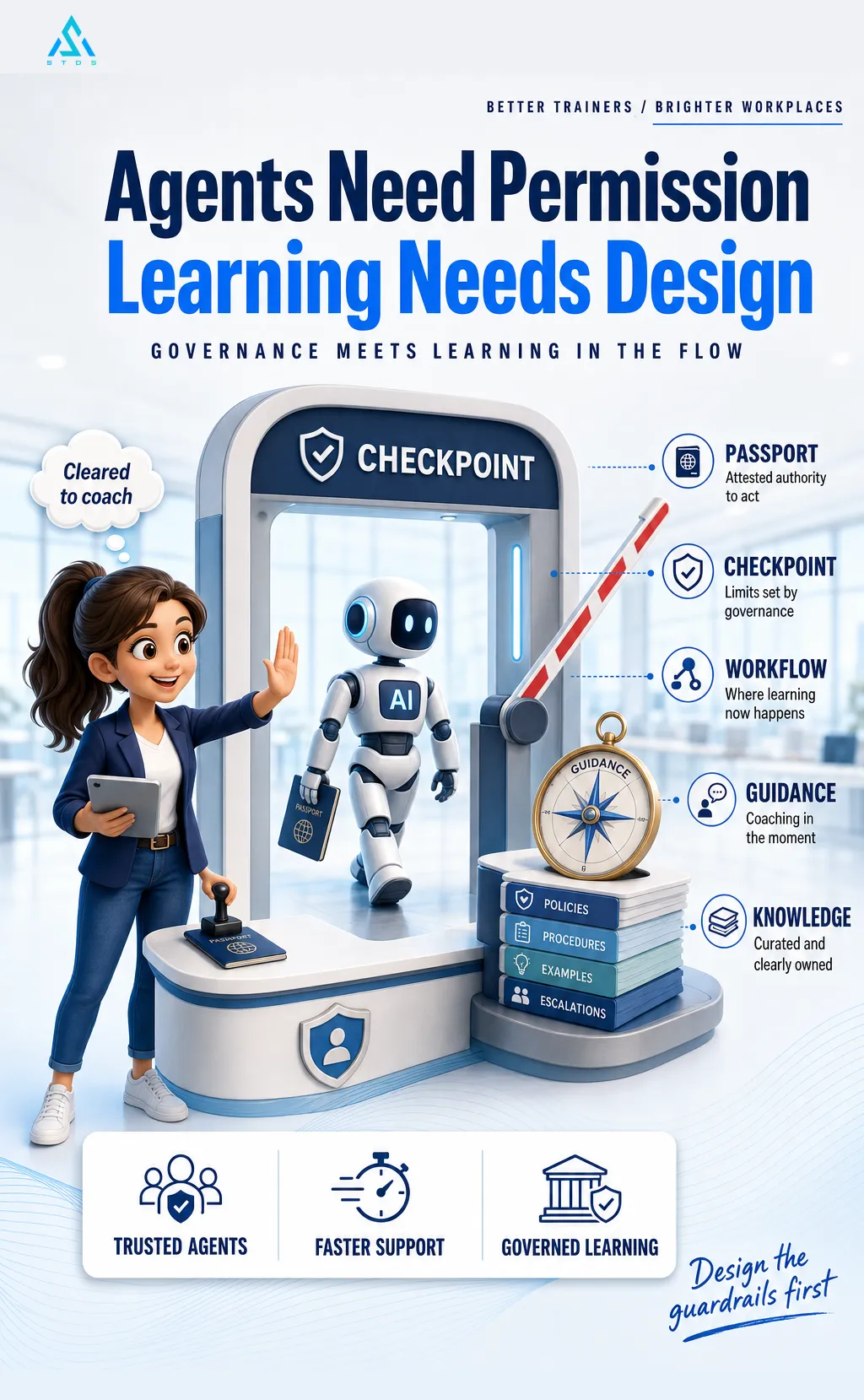
What is new is governance, not chat. An agent that can act only within attested authority is one you can trust to coach and guide in the moment.
Context: Fosway's Digital Learning Realities 2026 surveyed 334 learning and HR professionals; AI-enabled learning in the flow of work was already the stated priority.
So trainers design guidance, not courses. Instructional designers ship knowledge architecture, not just modules. L&D managers move from choosing a platform to deciding permissions.
Who signs off on what an agent teaches?
Source: ServiceNow and Workday press releases, October and November 2026.
Comments 0
Sign in to like, save or comment.
No comments yet. Start the discussion.